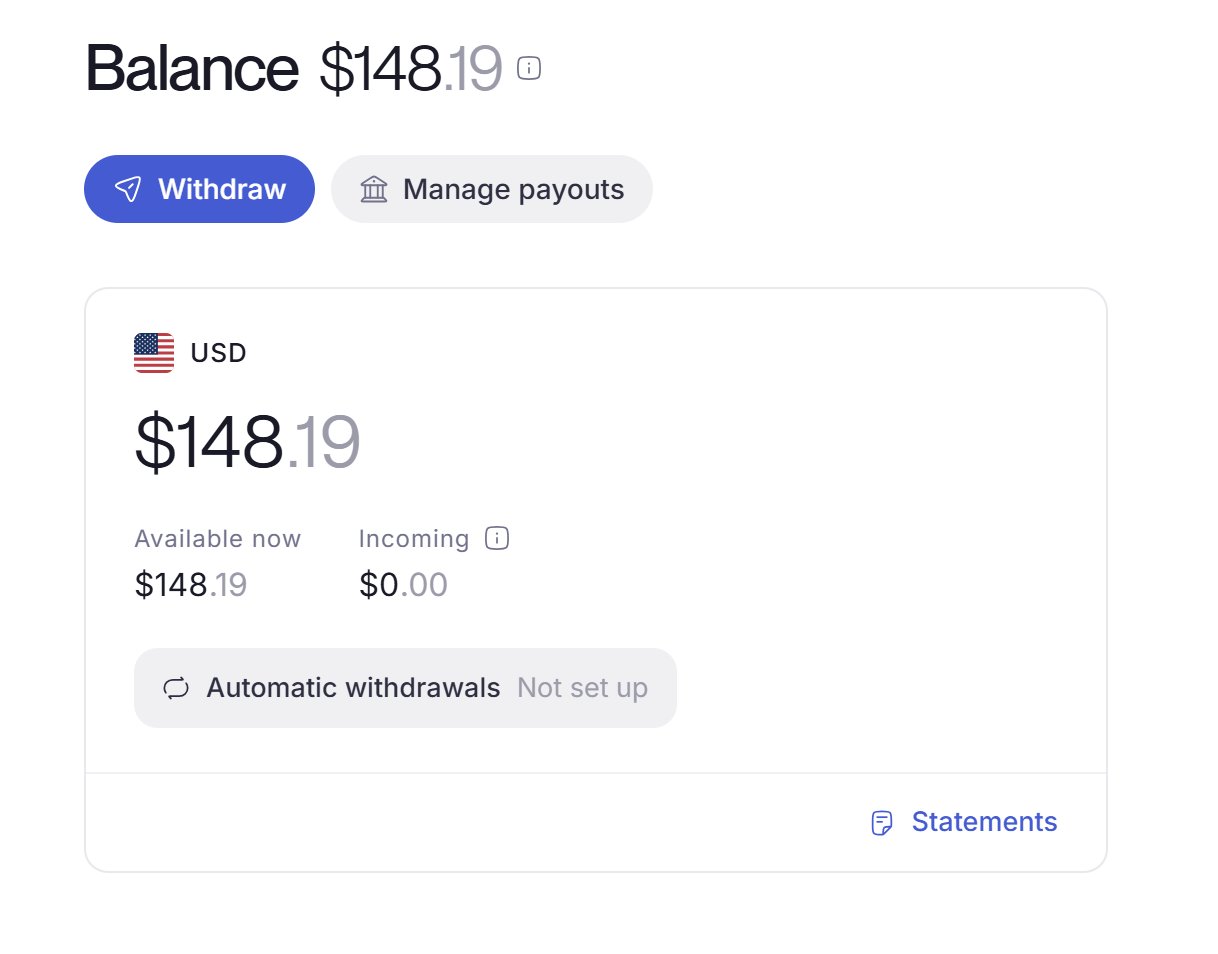
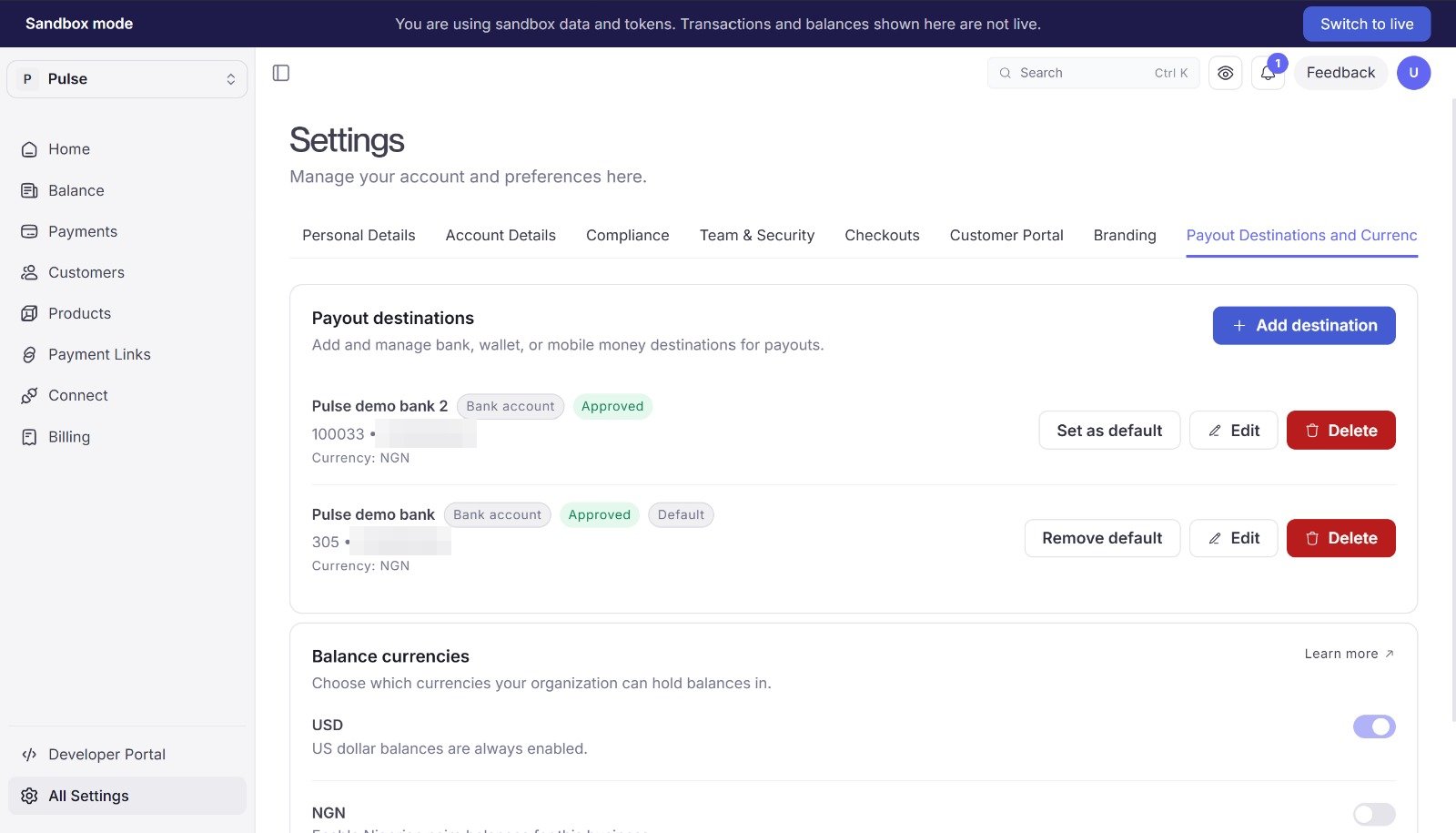
Paying someone out is a bank code, an account number, and an amount.
The first call looks the account up at the bank. An account that resolves comes back approved and is payable straight away. Store the pd_... against your payee and reuse it. This pays out of your own balance. To give each payee a balance of their own, see Giving each payee their own balance.

Paying out of your own balance

What the destination call gives you

The first call returns the destination with the bank’s own answer filled in:
account_name is the name the bank holds on that account, not a value you sent. Show it to the payee to confirm before paying. Bank codes come from GET /v1/reference/banks?country=NG. POST /v1/misc/bank-accounts/resolve runs the same lookup on its own, if you want the account name in your form before submitting.
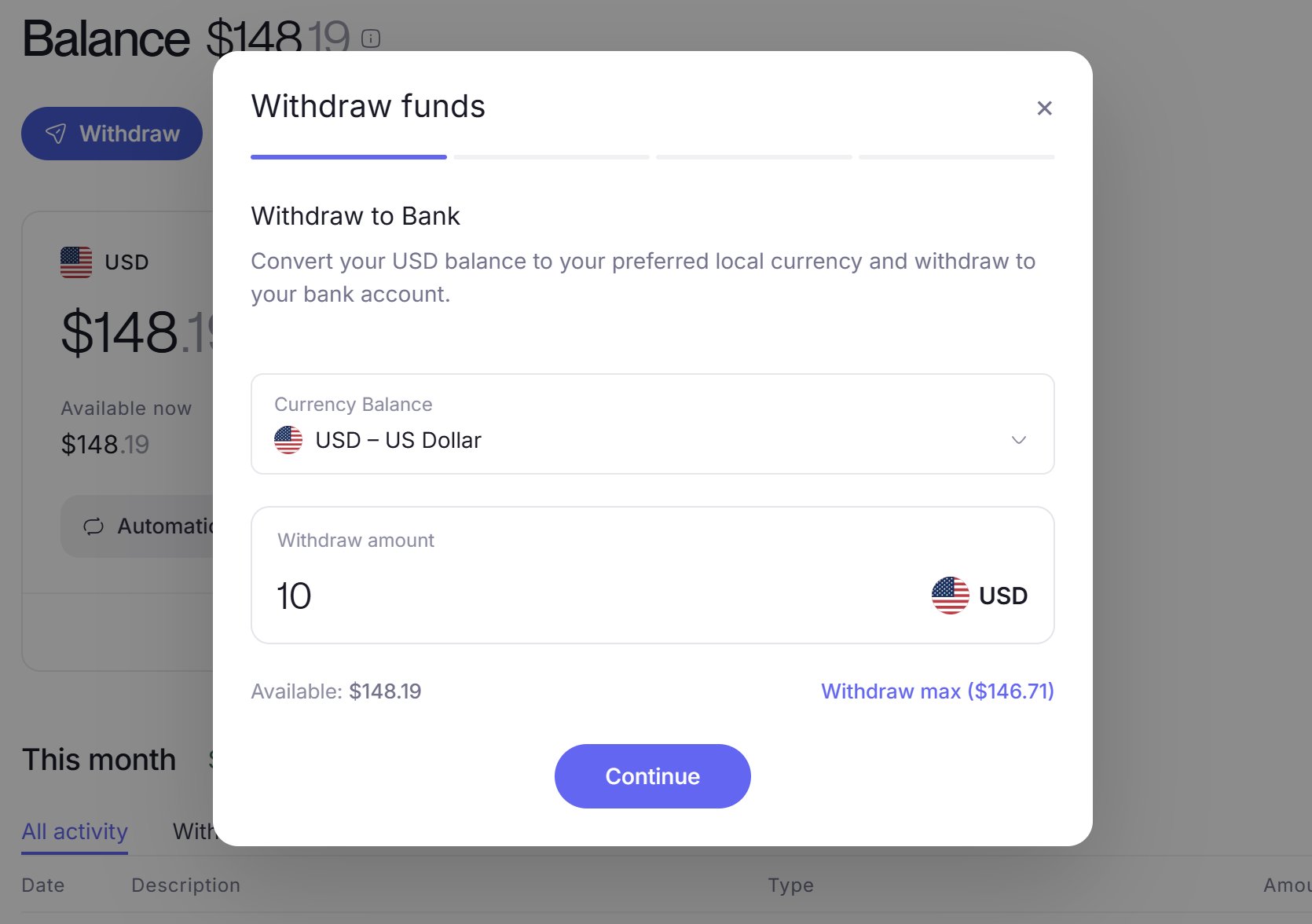
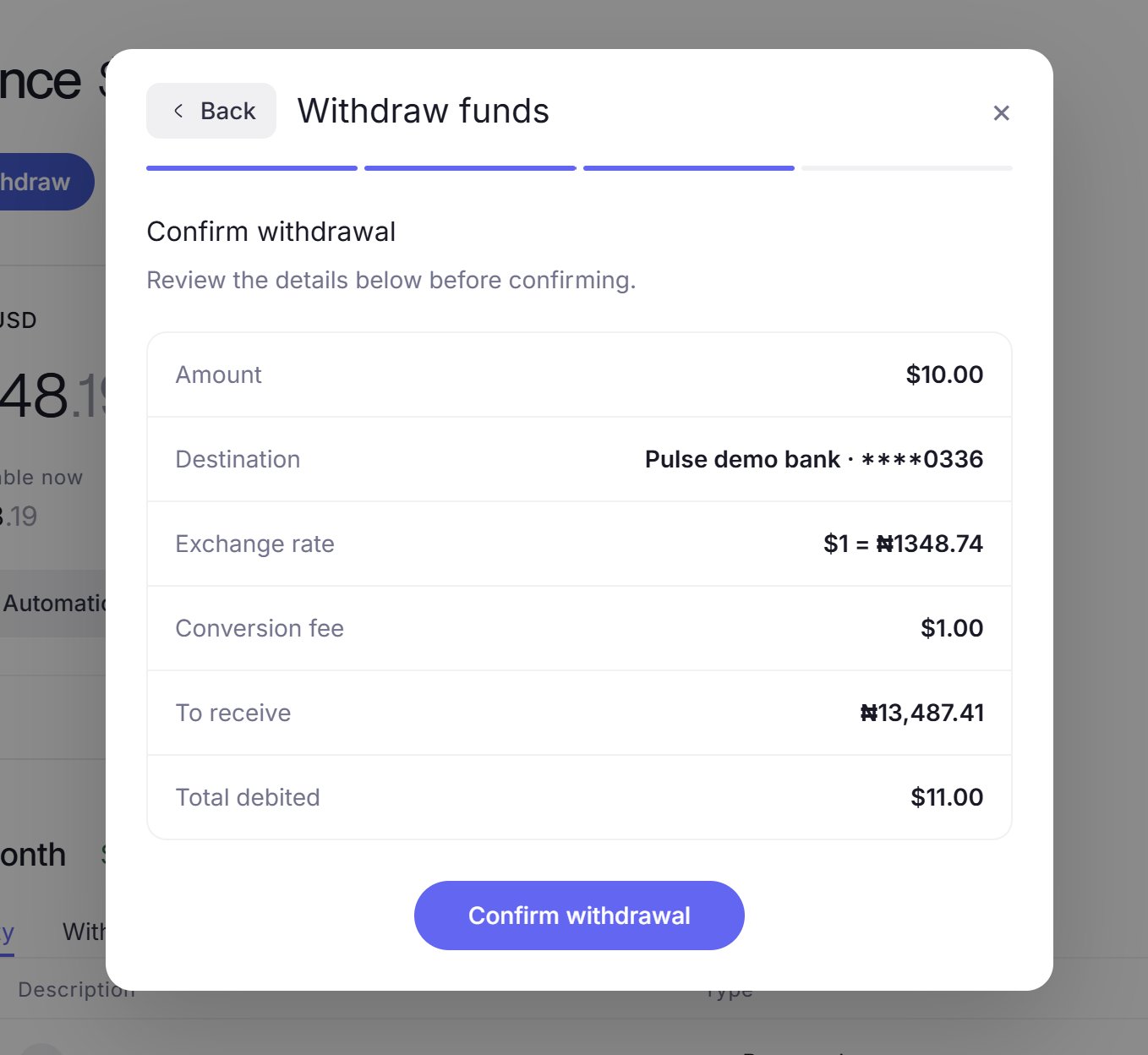
amount is what the payee receives, and the fee is charged on top. A balance of 9000.00 cannot fund a 9000.00 payout. Reconcile against total_debited. Send an Idempotency-Key on every payout, because a retry without one pays twice, and a 5xx is not proof the payout was not created.
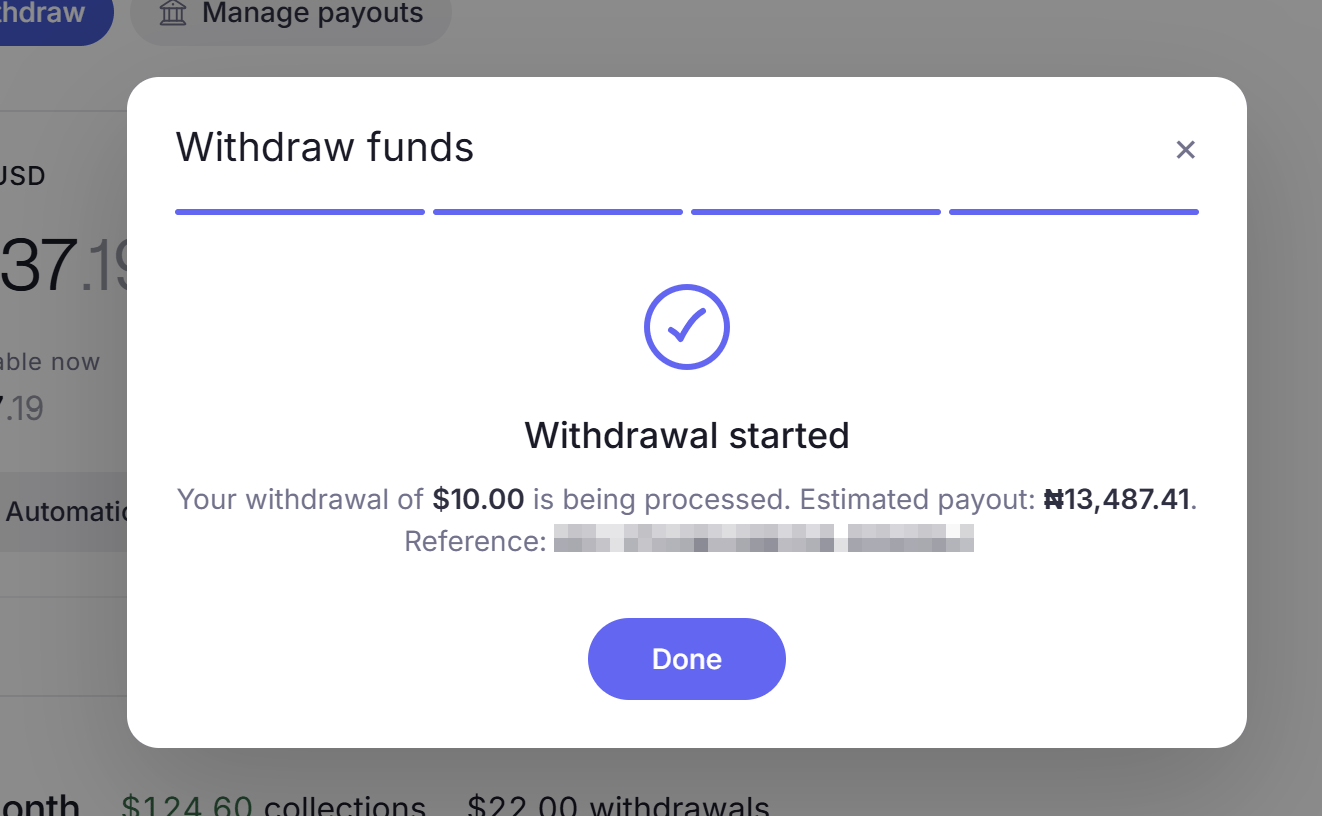
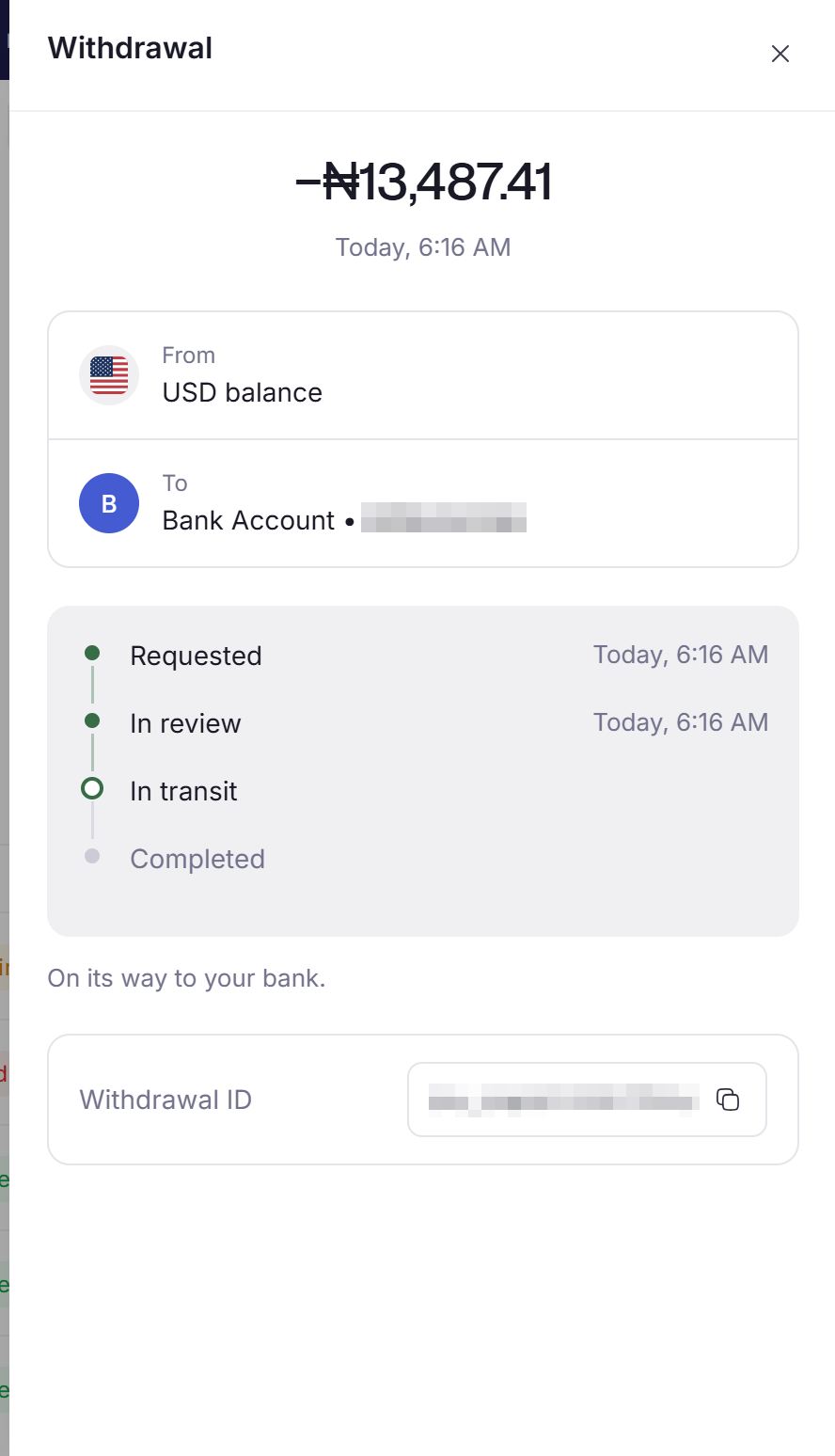
Payouts are asynchronous. pending becomes completed or failed, and you learn which from the payout.paid and payout.failed webhooks. Do not tell anyone they have been paid on the 201.

What a destination is

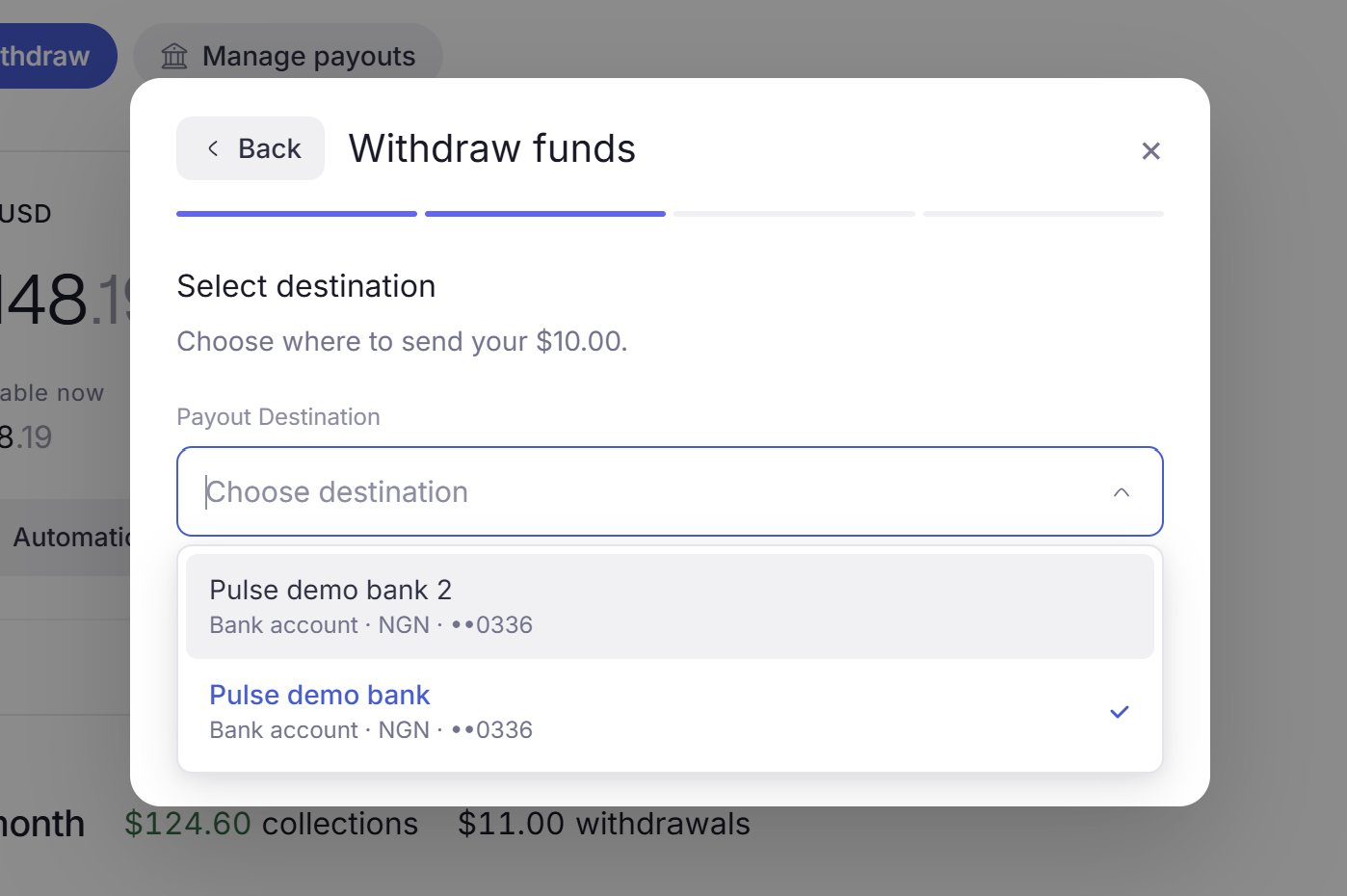
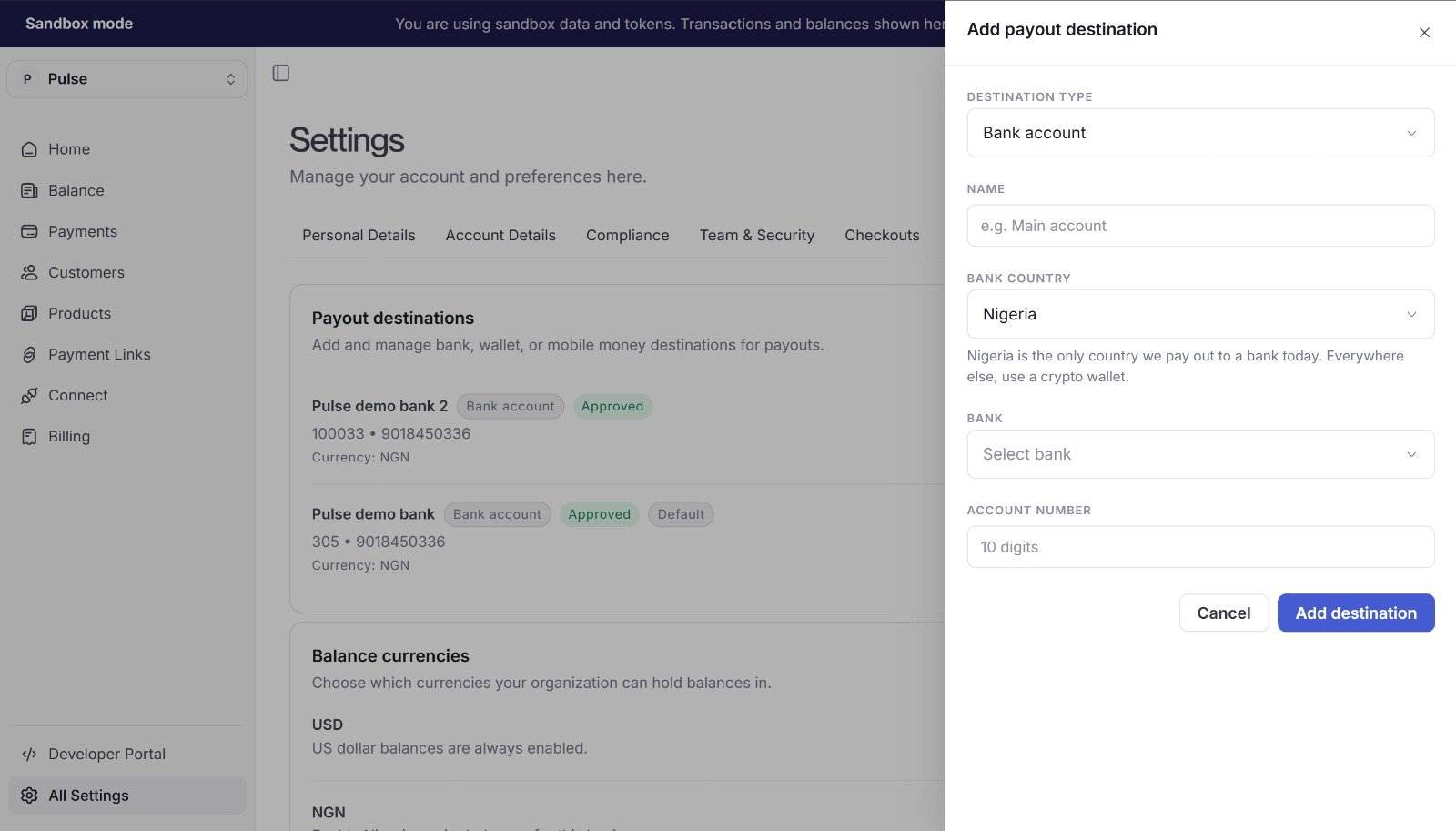
A destination is where money leaves to. It belongs to a balance and holds one currency.
  • The account is verified once, at creation. Payouts after that reference the pd_... id.
  • A payee can have several. One is is_default; name any of them per payout.
  • A schedule can pay to the default one, on a balance fed by your own collections. See Payout schedules.

Pay the same person again

Reuse the pd_...:
GET /v1/payouts/destinations lists them with the full account number, bank name and holder name, so a settings screen can render from the API. To change a bank account, create a new destination and use its id. PATCH restates a destination in full, so changing an account number sends it back for review. Only name and is_default are safe to patch.

Giving each payee their own balance

A payee can have a recipient account: their own balance, their own destinations, and their own payout history. You fund it with a transfer, and pay out of it by acting as that account. A recipient account only receives money. To let a payee collect payments directly, it needs the merchant configuration too, which is a longer onboarding. See Choose your integration.
1

Create the recipient account

Omit configuration and the account can never be paid out to. Store the acct_....
2

Submit the holder and their destination

The name activates transfers and the destination activates payouts, so one call takes the account live.
account_name is required here, and ignored on POST /v1/payouts/destinations where the bank’s answer always wins.
3

Fund their balance

A recipient account holds no payment-accepting capability, so it never collects money itself. You move money into it with a transfer. A transfer debits whoever is authenticated, so send no X-Account-Id to fund a payee from your own balance.
Transfers move one currency and do not convert, so send the currency the payee’s destination is registered in. The transfer posts against both balances at once.
4

Pay out of their balance

X-Account-Id makes any call above act as that payee:
Payout schedules do not apply to a recipient account. A schedule moves settled customer collections, and a balance credited by transfer is not eligible, so setting one on a recipient pays nothing on any interval. Payouts here are always a call you make.Schedules are for accounts that collect their own payments, which needs the merchant configuration as well. See Payout schedules and Capabilities.
See Payouts in Connect for the full onboarding path, and Capabilities for what a recipient can do.

Hand this to your coding agent

Copy this into Claude Code, Cursor, or whatever you build with.
Agent prompt

Next steps