

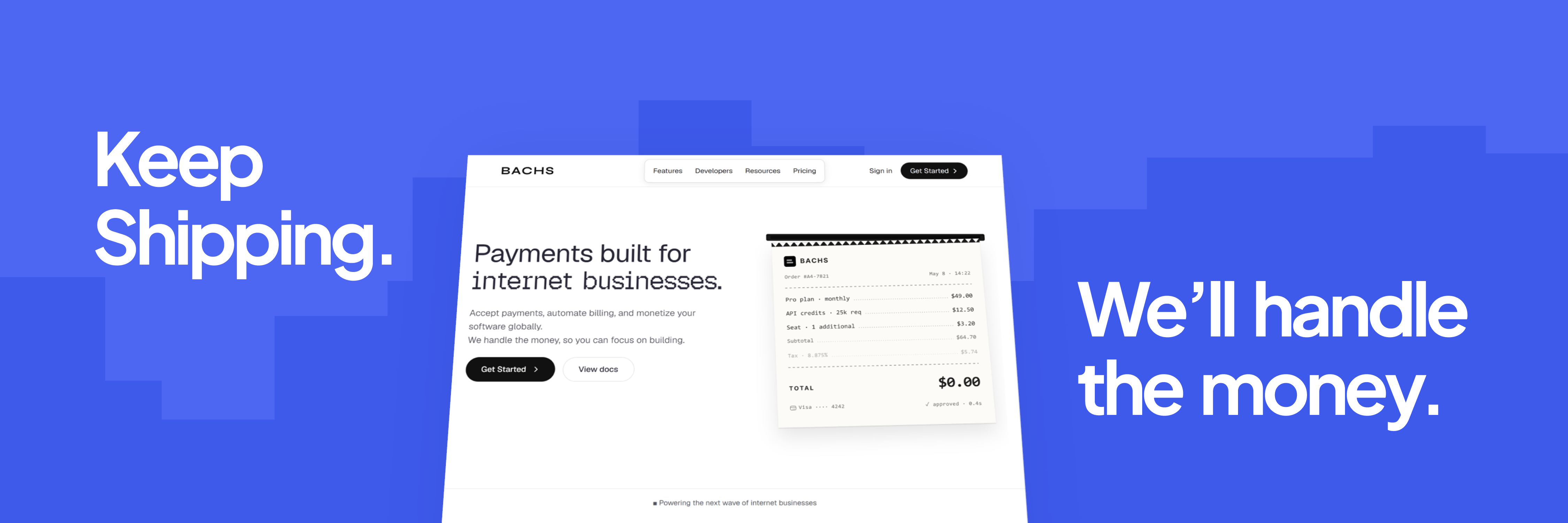
Building is no longer the bottleneck. With AI, small teams can ship world-class products. What comes next is monetization, scale, and global reach.
What is Bachs?
Bachs gives you a single platform to collect money, manage billing, and handle the financial complexity of selling across borders. Instead of integrating several providers and stitching together compliance workarounds, you connect to Bachs once and get everything you need to run your revenue. We’re built for African internet businesses and the global customers they serve: your customer pays in their currency, and you settle in yours.Our goal is to become the most comprehensive financial platform for every use case. We’re starting with digital businesses first.
What Bachs handles
Payment collection
Payment collection
Accept payments from customers across Africa and beyond. Bachs meets your customers with the methods they already use, so they never have to reach for an unfamiliar payment flow to buy from you. See supported currencies and methods.
Subscriptions and recurring billing
Subscriptions and recurring billing
Run flexible recurring billing for your product: plans, free trials, upgrades and downgrades with proration, and automatic payment recovery, without managing the infrastructure behind it. See Subscriptions.
Products and pricing
Products and pricing
Define your catalog once with fixed, free, or pay-what-you-want pricing, and set exact local-currency prices per market. See Products.
Developer API and dashboard
Developer API and dashboard
Integrate via our REST API or run everything from the dashboard. Whether you’re wiring up a checkout or monitoring revenue, Bachs works the way you work.
Who is Bachs for?
Bachs is built for founders and teams building digital businesses, where the product lives online, the customers can be anywhere, and the billing needs to work without babysitting. Whether you’re a solo developer monetizing your first SaaS product or an early-stage startup scaling across African markets, Bachs gives you the payments and billing infrastructure to start collecting revenue without the overhead.You’re a great fit if you’re building
SaaS products
Recurring billing, subscription management, and global payment acceptance, from your first paying customer to your millionth.
AI products and API businesses
Shipping an AI tool or a developer-facing API? Bachs handles the monetization layer so you can stay on the product, from the indie hacker charging for a resume analyzer to a team billing for API usage.
Digital content and creator products
Newsletters, courses, communities, digital downloads. If you sell something digital and need a clean, reliable way to collect money, Bachs works for you.
Marketplaces
Two-sided platforms that collect from buyers and pay out to sellers, without building and maintaining the financial plumbing yourself.
Why Bachs is different
Stay focused on your product. Stop building a fintech layer you don’t need. With traditional payment providers, accepting multi-currency payments means inheriting multi-currency problems. Every currency you accept becomes one you’re responsible for: FX exposure, conversion timing, and the operational weight of holding balances in markets you’ve never operated in. But as a founder or digital business, you don’t actually want to hold KES or UGX as a balance. You want USD, or NGN. You want your customer in Kenya, Uganda, or the U.S. to pay without friction. Bachs separates those two things cleanly: your customer pays in their currency, and we settle in yours. We carry the FX risk and convert at settlement, so you get a global checkout without the operational weight of being a multi-currency business.- Built for Africa
- More than payments
- Ship faster
Local payments, global reach
Cards aren’t the default in Africa. Bachs supports cards alongside local payment methods, so one integration reaches every customer.
Your currency, no detours
However your customer pays, your withdrawal lands in your currency. No US bank account, no middlemen. Your revenue lands where you are.
We understand this market
We built a product in Africa before we built Bachs. We know what it costs to scale here, and we built the infrastructure we wished existed.
Quickstart
1
Create an account
Sign up with your email. You can start building in the sandbox right away, before going live.
2
Get your API keys
Open the developer section of your dashboard to create a sandbox key (
sk_sandbox_...). See Authentication to create and manage keys.3
Create a product and start a checkout
Define a product, then create a checkout session and send the customer to the hosted checkout URL.Follow the full walkthrough in Accept a payment. Prefer to see the result first? Click through the live demo, a storefront running entirely on the sandbox.
Go live
Build in the sandbox for as long as you need. When you’re ready to accept real payments, your account goes through verification once, and going live is a key swap. Most reviews finish within 48 hours. See Go live.Good to go?
Create an account
Onboard and go live in days, or explore in the sandbox first.
Read the API reference
Every endpoint, object, and error, with copy-paste examples.
Follow a guide
Step-by-step walkthroughs for checkout, subscriptions, and more.
Contact support
Get direct help from our team.