

How to Access
From any page in your dashboard, click Developer Portal at the bottom left of the sidebar.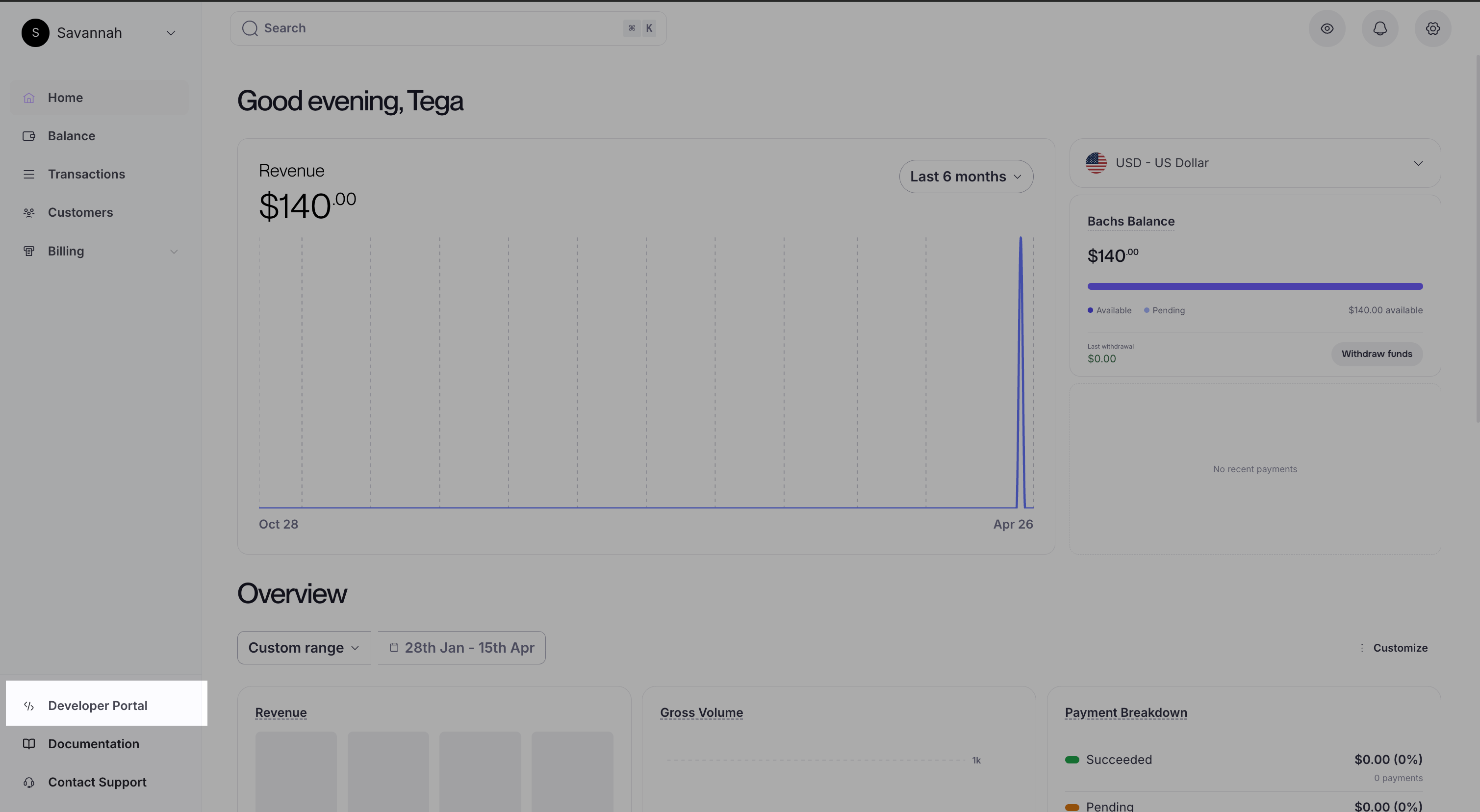
What’s Inside
The portal has four tabs. Each one owns a distinct part of your integration workflow.API Keys
Create scoped keys, rotate them, and revoke what you no longer need.
Webhooks
Register destinations and subscribe to the events that matter to you.
Events
Monitor delivery health and retry any failed or missed event.
Logs
Inspect raw API calls: method, path, status, and full request/response bodies.